TV Cable Management: Hide Cables in 30 Minutes
TV Cable Management: Hide Cables in 30 Minutes
A modern TV setup can quickly become messy. Between the TV, soundbar, streaming box, gaming console, and all the other devices, you often end up with a tangle of cables that ruins the clean look of your living room.
But it doesn't have to be that way. With the right techniques, you can hide all your cables and create a professional, minimalist look - without tearing down walls or hiring an electrician.
Why is TV cable management important?
Cables behind the TV are about more than just aesthetics:
- Visually calmer room: A clean TV area makes the entire living room more inviting
- Safety: Loose cables can be a tripping hazard, especially for children and elderly
- Easier cleaning: No cables to vacuum around or get tangled in the vacuum cleaner
- Protection: Organized cables last longer and break less easily
- Pet safety: Cables on the floor can tempt cats and dogs to chew on them
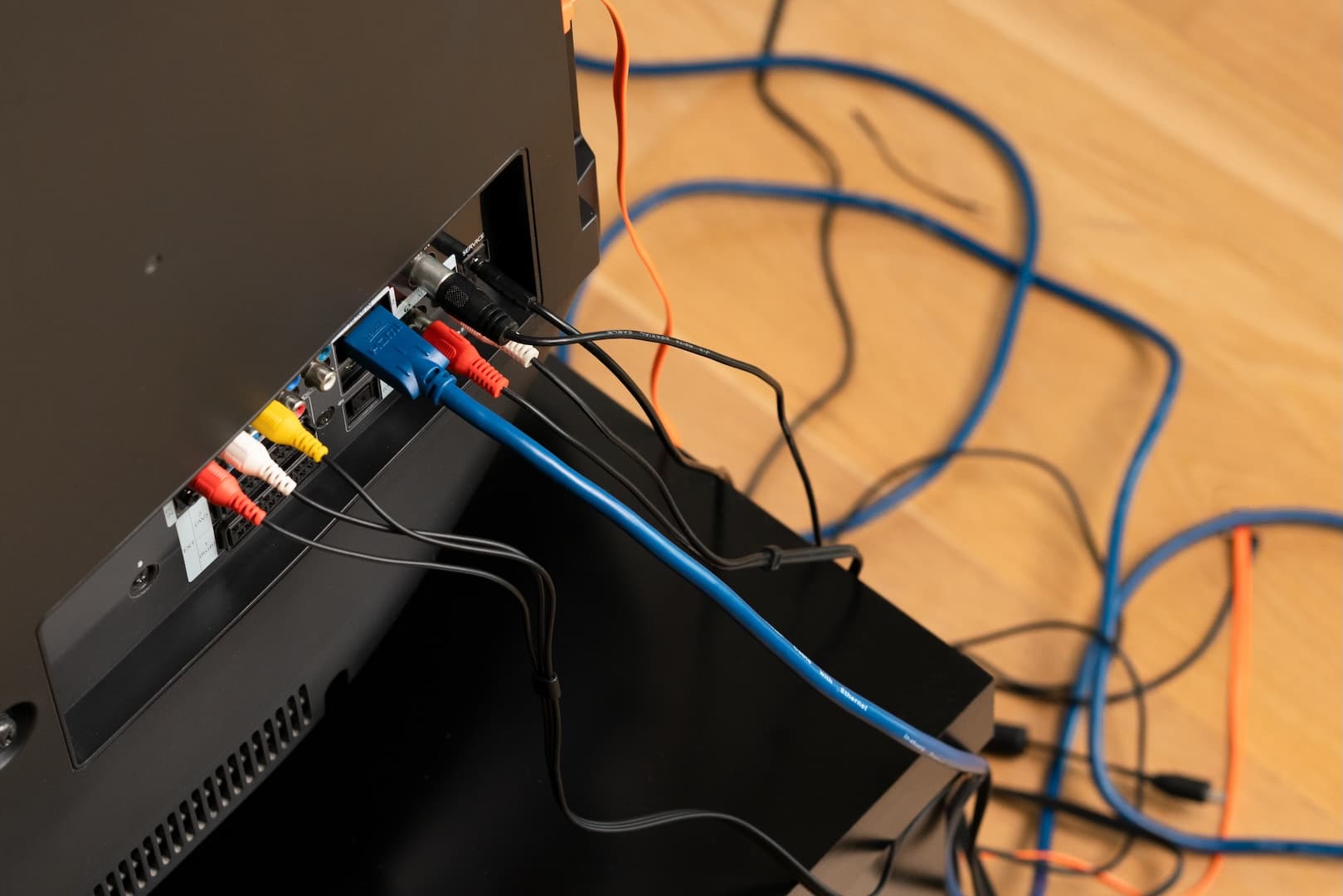
Messy TV setup with cables everywhere
What do you need?
Before you start, you'll need the following:
- Textile cable sleeves: To bundle and protect cables
- Clips or tape: To secure cables along the wall or behind furniture
- Cable ties: To keep excess cable length in place
- A flashlight: To see behind the TV
- 15-30 minutes: That's all the time it takes!
Step 1: Remove all cables and create an overview
It may seem counterintuitive, but the fastest way to organize is to start from scratch:
-
Take a picture of your current setup so you know what goes where
-
Carefully remove all cables from the TV and accessories
-
Lay them on the floor and identify each one:
- TV power cable
- HDMI cables (streaming box, gaming console, etc.)
- Soundbar cables (power and audio)
- Antenna cable or internet
- Other accessories
-
Remove cables you no longer use (old console, unused HDMI, etc.)
Step 2: Plan your cable route
Now that you have an overview, decide how the cables should run:
Option A: Behind the furniture If your TV is on a stand, the easiest solution is to run the cables down behind the furniture to the outlet.
Option B: Along the wall If the TV is wall-mounted, run the cables down along the wall. Use clips or tape to hold them in place.
Pro tip: Run the cables in a straight line down - it looks cleanest and is easier to maintain.
Step 3: Bundle cables in cable sleeves
Here comes the magic part - bundling the many cables into one elegant solution:
- Group cables going the same way: All cables going to the same outlet can be bundled
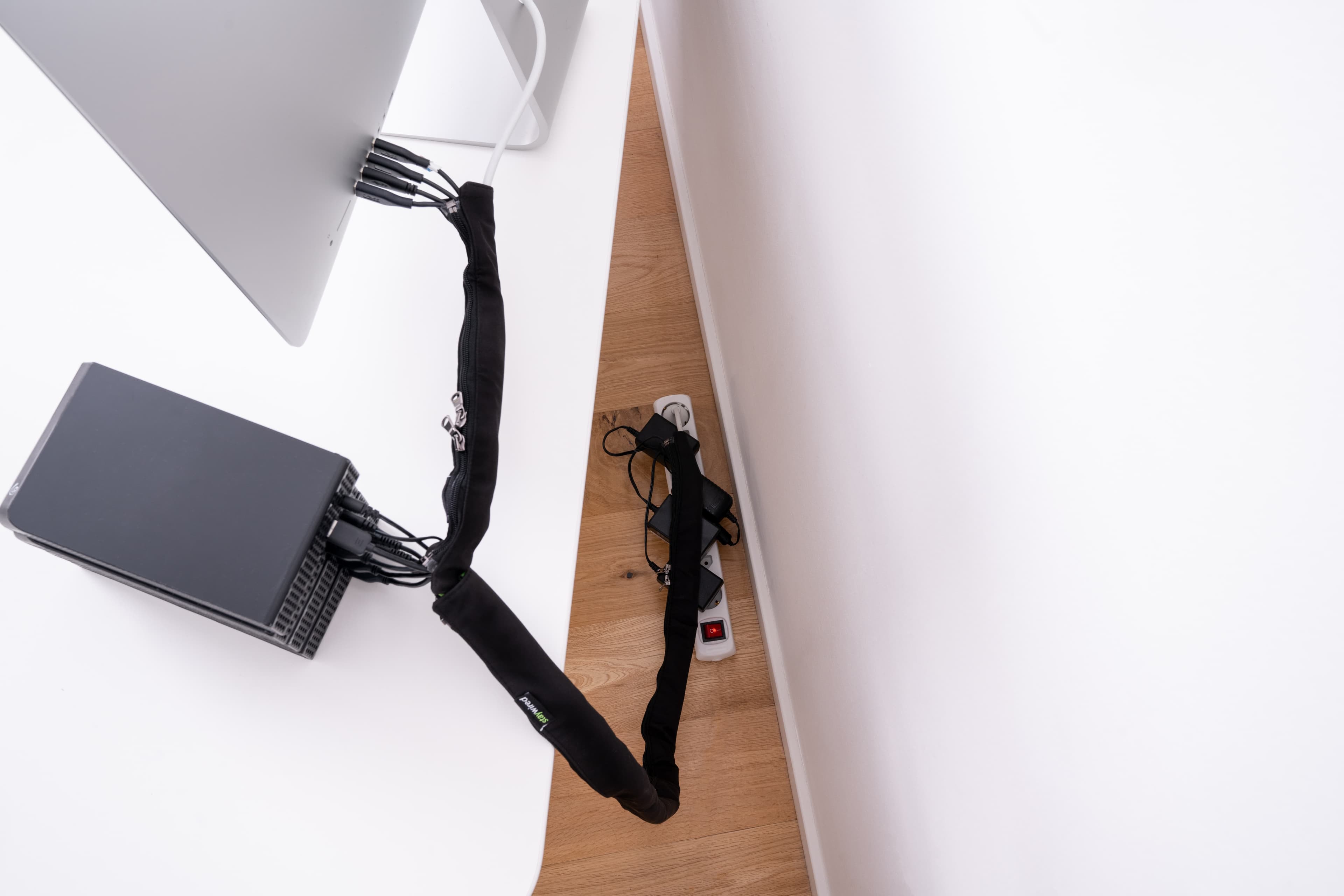
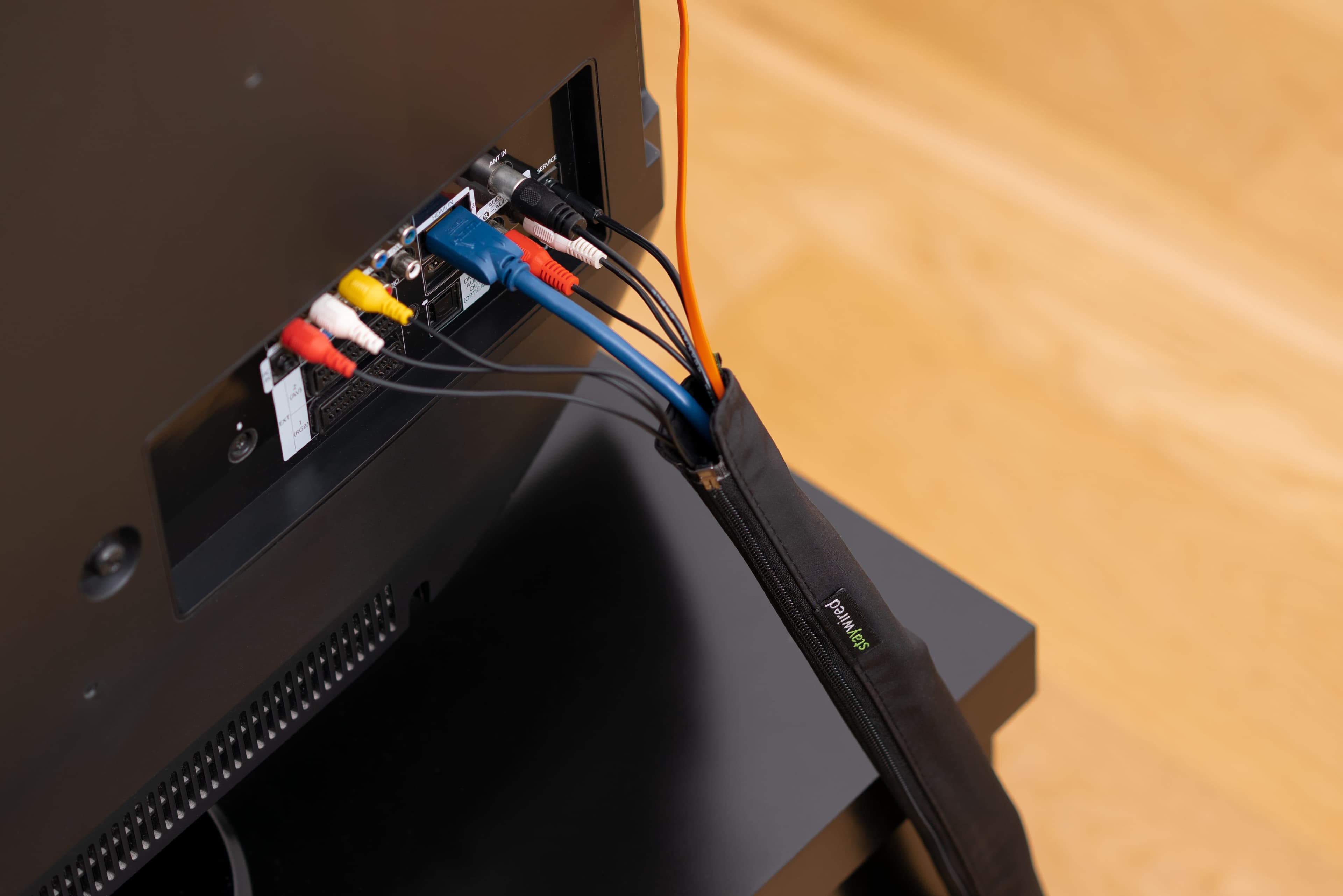
- Use cable sleeves: Open the zipper on your Staywired cable sleeve and insert the cables
- Close the zipper: Now it looks like one single, neat cable instead of many messy ones
Benefits of textile cable sleeves:
- Flexible and easy to open if you need to add/remove cables
- Protects cables from wear
- Can be washed if they get dusty
- Danish design in discreet colors that match any interior
Step 4: Secure and hide
Now the cables need to be secured so they don't hang loose:
- Behind the TV: Use clips to secure the cable sleeve to the back of the TV stand or wall
- Down to the floor: Run the cable sleeve down along the furniture legs or wall
- Along the floor: If cables need to run along the floor to the outlet, you can hide them behind the baseboard or use a small cable sleeve
Wall-mounted TV:
- Use adhesive clips to run the cable sleeve straight down behind the TV
- Consider a cable raceway if you can drill
Step 5: Handle excess length
HDMI cables and power cables often come in standard lengths, which can be too long:
- Roll up the excess: Make a small loop and secure with a cable tie
- Hide behind the TV: Place rolled cables behind the TV where they can't be seen
- Consider shorter cables: If you're making a permanent installation, you can buy cables in exactly the right length
Important: Avoid rolling power cables too tightly - it can create heat and be a fire hazard. Make loose loops.
Step 6: Organize devices under the TV
If you have streaming boxes, gaming consoles, or other accessories:
- Place devices strategically: Arrange them by how much you use them
- Bundle short cables: Use small cable sleeves or cable ties for cables between devices
- Ventilation: Make sure devices have room to breathe - don't let cables block ventilation holes
Before and after transformation
When you're done, you'll experience:
- Visually: A clean, minimalist TV area that looks professional
- Practically: Easy access if you need to connect something new
- Safety: No cables on the floor to trip over
- Durability: With protected cables, your setup lasts for years
Neatly organized TV setup
Most people spend 20-30 minutes organizing an average TV setup the first time. Once you have the system in place, it only takes a few minutes to add new devices.
Tips for specific situations
Gaming setup
If you have PlayStation, Xbox, or Nintendo Switch:
- Use a dedicated cable sleeve for each console
- Label HDMI cables with small tags so you know which console is which
- Consider an HDMI switch if your TV doesn't have enough ports
Soundbar and surround sound
- Soundbar cables can often be hidden in the furniture itself
- Wireless rear speakers minimize cable needs
- If you have wired rear speakers, run cables along the baseboard or under a rug
Smart home devices
- Philips Hue sync box, Apple TV, Chromecast, etc.
- Gather all small devices in a small box behind the TV
- Use a power strip with multiple outlets to minimize cables to the wall outlet
Maintenance
Once your setup is organized, you just need to:
- Review once a year: Check if you have cables you don't use
- Clean the cable sleeves: They can be wiped or washed as needed
- Add new equipment properly: When you buy new electronics, put the cables in the cable sleeve instead of just throwing them behind
Conclusion
A well-organized TV area makes the entire living room more inviting and professional. By following these simple steps you can:
- ✅ Hide all cables in under 30 minutes
- ✅ Create a clean, minimalist look
- ✅ Protect your cables from wear
- ✅ Make it easy to add new equipment later
- ✅ Improve home safety
Ready to get your TV cables under control? See our cable sleeves and choose the right length for your setup.
Have questions? Feel free to contact us at hello@staywired.dk - we'll help you find the perfect solution for your TV setup.